Daily operations
Notice when a student is waiting
Alerts are how the dashboard taps you on the shoulder. Opening one is not the same as helping. This page is what each alert is asking you to do, and how to keep going when the live connection blinks.
- Where to go
- Top-right bell → See all notifications
- Who can do this
- Notifications are addressed to individual organization members
Find and act on notifications
- 1
Open the bell
The number is unread alerts for you, in this workspace. The menu shows the recent ones.
- 2
Read the alert
A handoff or a request to end the chat can open that conversation. A lead alert opens Leads. Reading it is the start, not the help itself.
- 3
Open the full list
Choose See all notifications when you need older items, or want to mark them read.
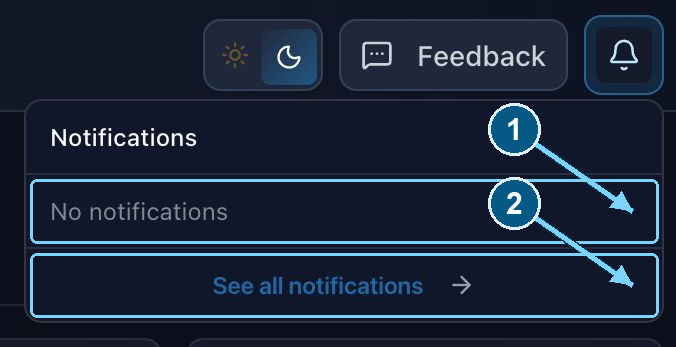
Opening an alert is not the same as accepting a chat or completing a follow-up.
Enlarge- Recent alerts appear here
- Open the full list
What common alerts require
| Alert | Action |
|---|---|
| Counsellor / handoff request | Open the conversation and choose Join conversation if you can actually help. Looking at the request does not connect you. A student is waiting for a person, not for a read receipt. |
| Visitor requests to end a human conversation | Review the thread, respond if needed, and use Close conversation when ready. |
| Lead captured | Open Leads, read the contact details and what they asked, and arrange a follow-up. Nothing has called or emailed them just because the alert arrived. |
| Invitation or role change | Check the organization and your current role. Use the invited email for sign-in. |
| Billing, renewal, or retention | Read the notice and go to Subscription or billing management directly if the alert has no destination link. |
Read, unread, and clearing alerts
Reading an alert marks it read for you. Opening the related conversation also marks that handoff alert read. Read is personal. It is not a record that someone took responsibility.
The full list can Mark all read when unread alerts exist, remove one, or Clear all. Clearing the list does not finish the lead, the handoff, the payment, or the conversation. Keep anything you still need before you clear it.
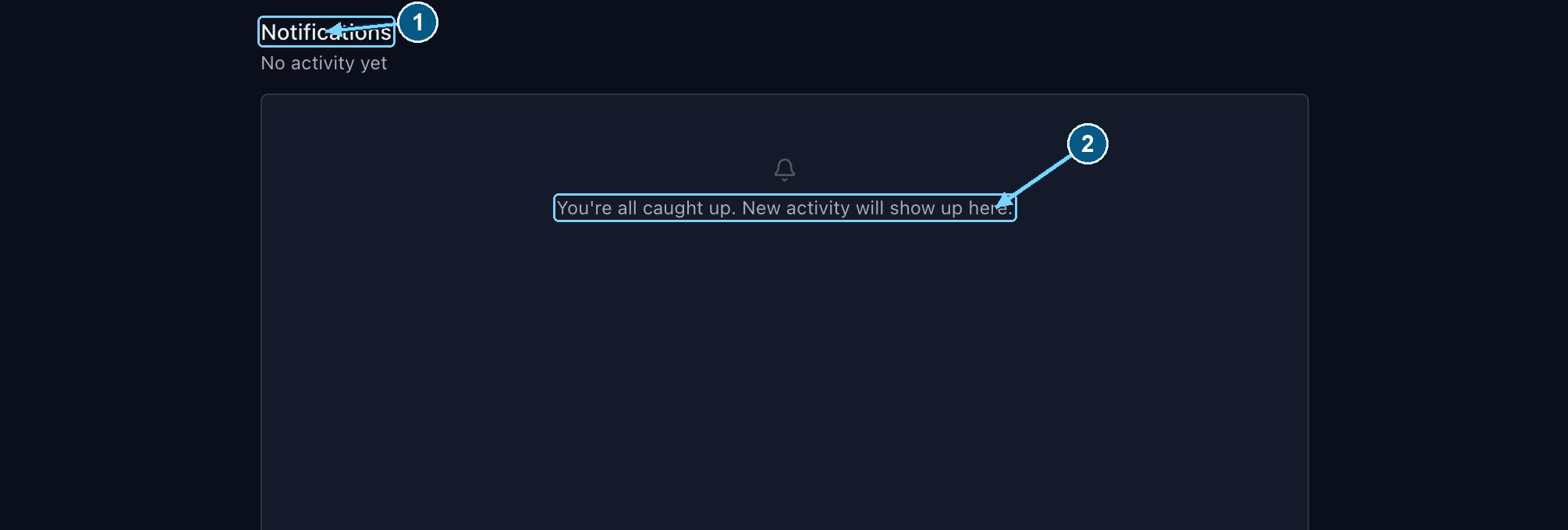
Read and clear controls appear when there are notifications to manage.
Enlarge- Open the full notification list
- New alerts appear here
When live updates are unavailable
While the dashboard is open, alerts try to arrive live. If that connection fails, you will see “Live updates are temporarily unavailable”, and the app checks stored notifications every 30 seconds instead.
Keep the dashboard open during the hours you told students you are there. Reload it when the network returns, so instant alerts can reconnect. An alert that was stored can still be read even if the live ping failed.
These are in-app alerts. They are not a promise of a phone notification, or of an email for every event. Invitation and billing emails are their own messages.